APM 2.8 Flight Controller 2025 | Complete Beginner’s Guide, Setup, and Troubleshooting | robetix
What is APM 2.8 Flight Controller?
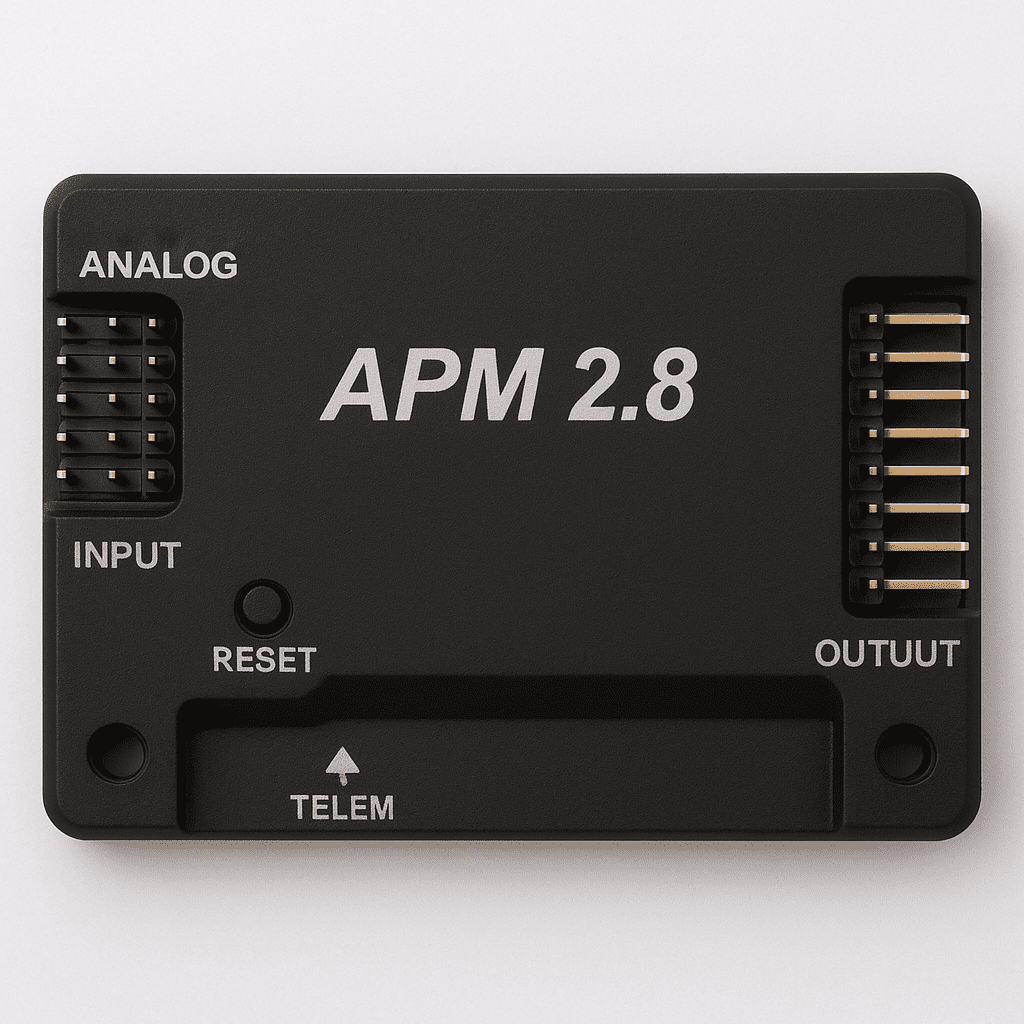
APM 2.8 Flight Controller is a complete open-source autopilot system. It’s a flight controller board used to control various types of vehicles and aircraft, most commonly quadcopters and drones.
In simple terms, it’s the “brain” of your drone or vehicle project. The number 2.8 refers to the version, it’s the final release in the APM series, as previous versions came before it.
The APM2.8 board is integrated with multiple sensors that gather environmental data. After processing this information through specific calculations, the board adjusts and controls the vehicle accordingly.
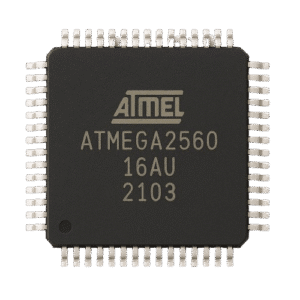
At the heart of the APM is the Atmega2560 microcontroller, which acts as the central processing unit. It manages communication between sensors and components, and handles all flight logic, commands, and actions.
For Complete Guide to build Quadcopter/Drone Using APM 2.8 Explained with pictures, click here
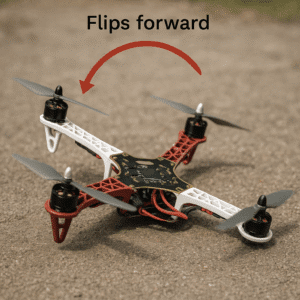
While Building drones, we get a lot of issues and errors, I discussed them in detail like Drone Flips on Takeoff [SOLVED]: 8 Easy Ways to Fix
Why APM2.8 is Still a Top Choice for Drone Projects?
| Pros | Cons |
|---|---|
| It’s Less Expensive & beginner friendly | No longer officially supported by ArduPilot |
| Supports all basic flight modes | Limited processing power |
| Can work on Windows and MAC | No onboard compass and GPS |
APM 2.8 Hardware Details Pins,
Ports, Sensors & I/O Explained
APM is a classic and easy to use flight controller especially for beginners who are new into the field of UAV. Let’s discuss the hardware and schematic structure in depth details of this flight controller.
Microcontroller (The brain): ATmega2560
- 8-bit AVR microcontroller
- Clock speed: 16 MHz
- Flash memory: 256 KB
- SRAM: 8 KB
- EEPROM: 4 KB
IMU (Inertial Measurement Unit): MPU-6000
- 3-axis gyroscope
- 3-axis accelerometer
- SPI/I2C interface
Barometer: MS5611
- High-resolution barometric pressure sensor
- Used for altitude estimation (especially in AltHold mode)
Compass: No internal compass on APM 2.8
- Requires an external GPS+Compass module
- Compass connects via the I2C port
Now we will disuss about APM input and output ports through which it communicates through different eternal sensors and actuators.
PWM Inputs (Remote/RC input): CH1 to CH8
- 8 input channels for standard PWM receivers
- Typically CH1–4 used for roll, pitch, throttle, yaw
PWM Outputs (For Motors): OUT1 to OUT8
- For connecting ESCs (usually 4 for quadcopters, more for hex/ octo)
- Can also control servos in fixed-wing setups
GPS Port:
- UART interface for GPS module
- Usually paired with external compass
Telemetry Port:
- Connects to a 3DR telemetry radio or HC-05 Bluetooth module
Power Module Port:
- Provides 5V
- Get Battery Voltage and Current data
USB Port: MiroUSB
- For flashing firmware, configuration, and real-time monitoring via Mission Planner
I2C Port:
- For external compass & additional sensors
How to do APM 2.8 Setup Guide
Firmware and Calibration
Procedure of working of APM is discussed below:
1: Connect all available sensors and actuators like ESC’s, Receiver Connections, External Compass & GPS and at last power it through USB port (5V).
2: Then open Mission planner software and upload the firmware into it.
3: After uploading firmware do calibration and PID tuning if required.
4: And at last, put your APM into the very center of the vehicle so all sensors can get accurate data.
How to Power APM2.8 Safely & Wiring Tips
- You can power your APM through USB connector 6pin
- Through USB port
- And by ESC’s power
- BUT Remember don’t power through USB and 6Pin Connector at the same time.
APM 2.8 vs Pixhawk
Which Flight Controller is best in 2025?
| Aspects | APM 2.8 | PixHawk |
|---|---|---|
| Release Status | Older, discontinued | Newer, actively updated |
| Official Support | No official support available | Official support and active developer community |
| Reliability | More chances of bugs and errors during use | Stable performance, frequent updates fix the issues |
| Best Use Case | Great for learning UAV for beginner and using manual modes | Best for professional projects and GPS modes |
| Firmware Updates | Updates into APM2.8 are stopped | Receives regular updates with the latest features |
| Community Help | Limited support, mainly older forums and YouTube | Strong community with updated docs, GitHub and Discord help |
Is APM 2.8 Still Worth Buying in 2025?
Yes, in 2025 you can still buy APM 2.8, but consider these points before making a decision:
–> Are you a learner or a professional? If you’re a beginner and just starting out with UAVs, then APM is a good choice to learn the basics.
–> If you’re using it for a university project, don’t buy it, it requires a lot of trial and error. You might waste time troubleshooting, miss your deadline, and the project might not work reliably. Go for Pixhawk instead, it’s more stable, straightforward, and beginner friendly.
–> For commercial or professional use, APM is not recommended.
–> If you just want to fly for fun or as a hobby, then APM is totally fine.
Conclusion
The APM 2.8 is a great starting point for anyone diving into drone building. It’s simple, budget-friendly, and has all the basics you need to get in the air. While it lacks the power and features of newer flight controllers, it’s still a solid choice for learning and experimenting. If you’re just starting out, APM 2.8 won’t disappoint you.
Best of Luck for your project 🙂

Arduino vs Raspberry Pi | 15 Differences | Raspberry Computer and Arduino | Its Uses | robetix.com
Read More »SHARE WITH YOUR FRIENDS

Feel free to ask any question 😉
good job